Connected Does Not Mean Authorized
Settings can blur three different questions: what is configured, who can access it, and what the system is actually allowed to do. That distinction matters most around broker connections and financial permissions.
WORKSPACE & SECURITY
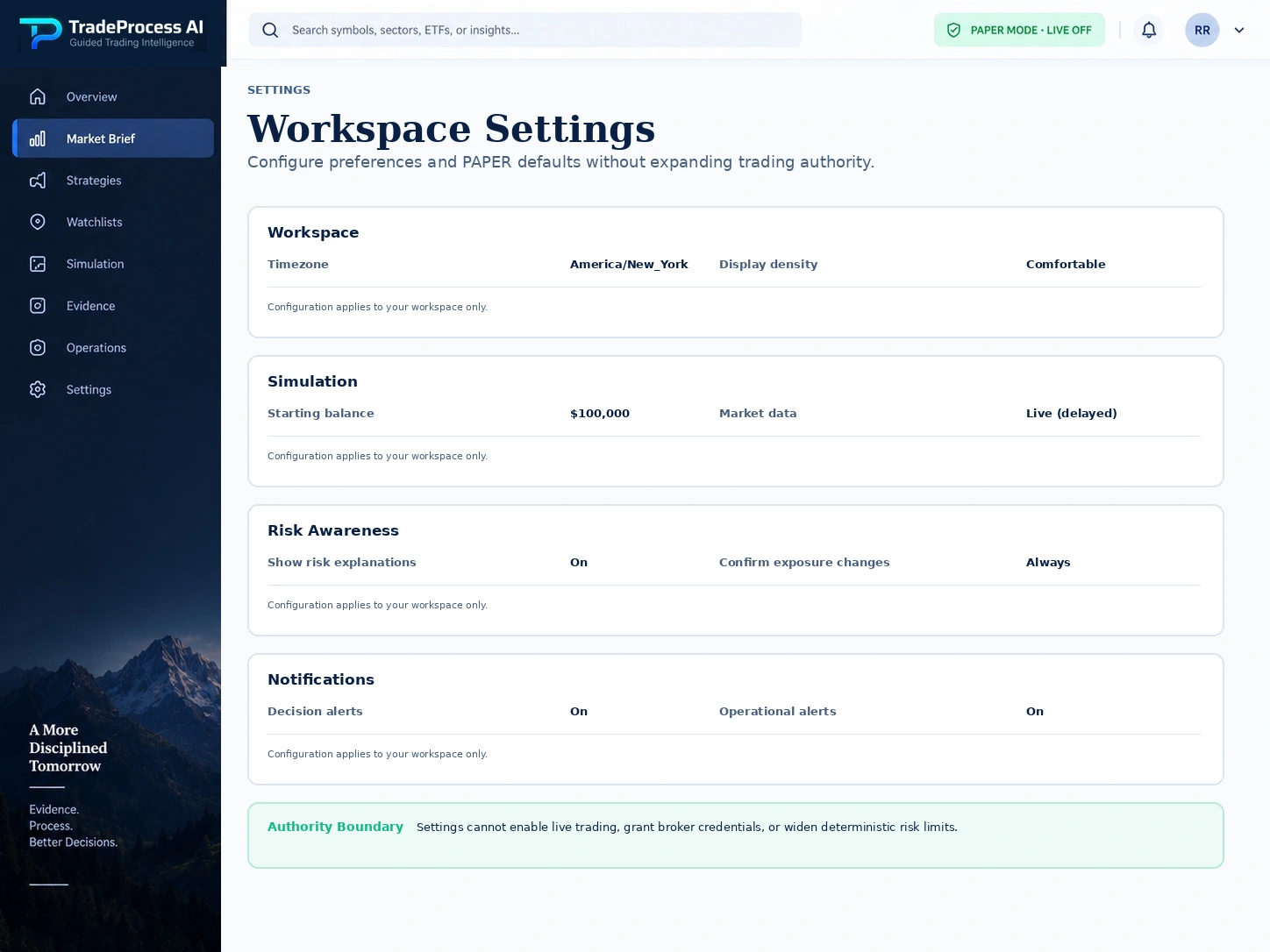
Manage settings, broker connections, preferences, and user access while keeping one rule clear: connected or configured does not mean authorized to trade.
WHY THIS MATTERS
Settings can blur three different questions: what is configured, who can access it, and what the system is actually allowed to do. That distinction matters most around broker connections and financial permissions.
Give users a clear place to manage configuration and connection state while the server continues to own authorization, tenant isolation, and trading-mode boundaries.
Let users configure a workspace, preferences, access, and broker-connection metadata while keeping identity, tenant isolation, secrets, and trading authority server-owned and clearly separated.
THE INPUTS
Keep workspace settings, user roles, connection status, and trading permission visible as separate facts instead of collapsing them into one “connected” status.
The verified user and workspace/tenant context determine which customer data and settings may be accessed.
Workspace preferences can change the customer experience without silently changing safety-critical authorization.
Connection state and permission scope can be inspected without exposing secret credentials or implying live order authority.
User/role permissions define who can view or change workspace resources while tenant boundaries remain enforced server-side.
WHAT YOU GAIN
Give users a clear place to manage configuration and connection state while the server continues to own authorization, tenant isolation, and trading-mode boundaries.
HOW IT WORKS
Set workspace preferences, check connection status, manage user access, and keep trading permission separate from those settings.
Authenticate the user and resolve the authorized workspace before customer data or configuration is shown.
Allow users to adjust permitted workspace settings while keeping safety-critical policy and secrets outside the browser.
Show whether a broker/service connection exists and what scope is configured without treating “connected” as equivalent to “authorized for live trading.”
Tenant isolation, role authorization, deterministic risk, and trading-mode controls remain authoritative regardless of what the settings UI displays.
FEATURES IN DEPTH
Workspace and broker-connection views should show what is configured without exposing credentials or implying authority the user does not have.
SUBFEATURE 01
Manage workspace preferences without letting a settings change widen server-owned trading authority. Customer configuration stays separate from the controls that decide whether exposure is permitted.
Give customers a clear place to manage permitted workspace preferences without mixing configuration with trading authority.
Users can personalize the workflow while the server still owns identity, authorization, risk ceilings, and live-trading boundaries.
SUBFEATURE 02
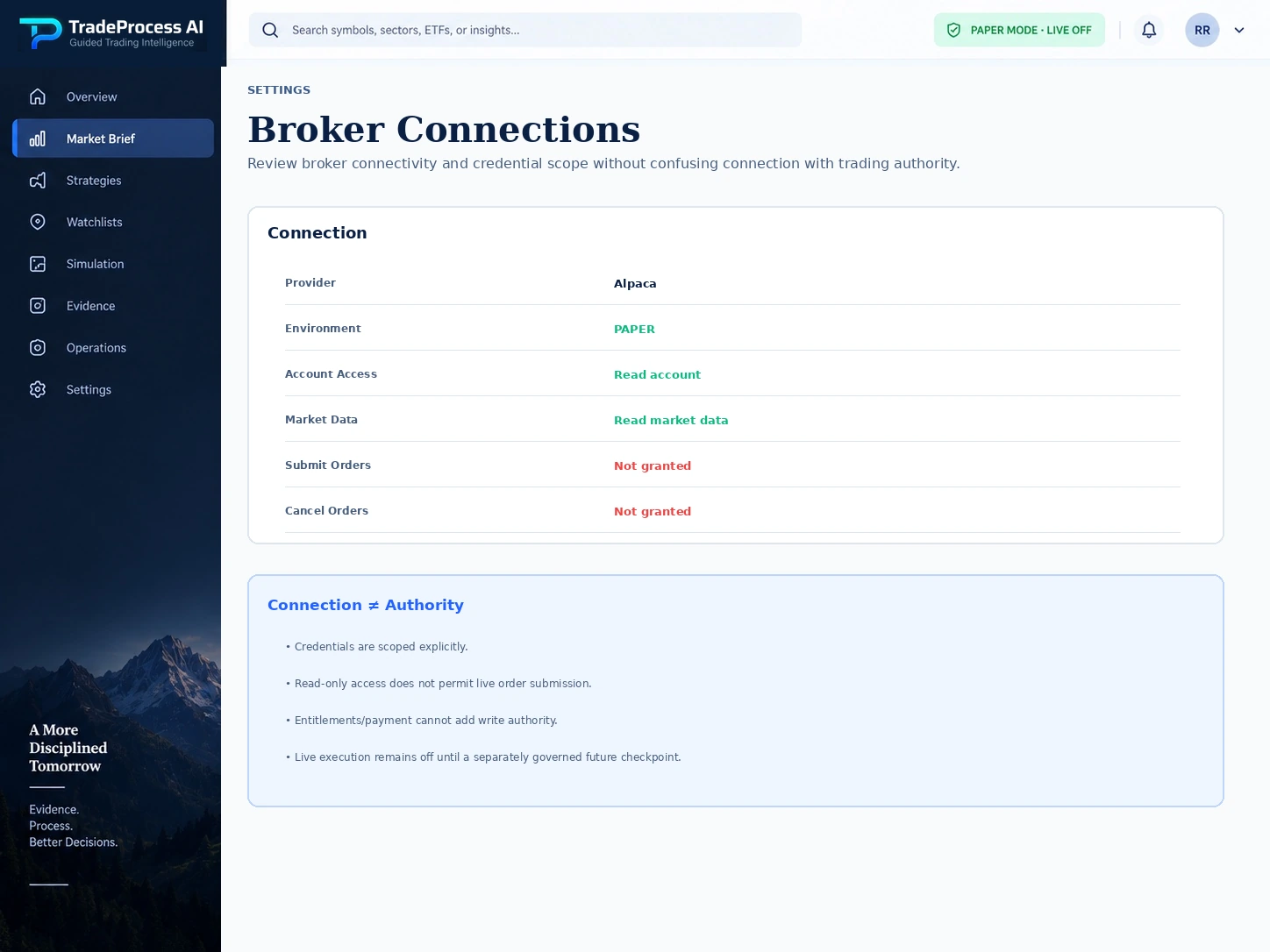
Inspect connection state and permission scope while customer live broker execution remains explicitly off. Connection details can be visible without exposing secret credentials or implying live submit/cancel authority.
Expose connection and permission-scope state without exposing secrets or implying that a connected service may place live orders.
Financial integrations are safer when “connected,” “can read,” and “can trade” are treated as different states instead of one ambiguous toggle.
Boundary: Customer live broker execution remains off.
PRACTICAL USE CASES
The distinction matters when a broker is connected, a team member has workspace access, or a setting changes without changing trading permission.
Connection metadata can be configured and verified while submit/cancel/replace authority remains disabled until a separately approved live-authority process exists.
A user can receive an appropriate workspace role while the platform continues to enforce tenant isolation and keeps strategy/risk/live-execution authority separate.
DEEPER PLATFORM COVERAGE
Workspace configuration, preferences, team access, and secure-access views keep convenience separate from permission.
HOW IT CONNECTS
Research, risk, PAPER Trading, and operations all depend on secure workspace separation, clear user roles, and protected connections—even when those controls stay in the background.
Defines role, tenant, entitlement, and audit semantics that keep administrative capability separate from trading authority.
User preferences can request a risk configuration, but effective safety limits remain subject to server-owned ceilings and restrictions.
Broker or account configuration may provide context, but customer live execution remains off until separately authorized.
LIMITATIONS & BOUNDARIES
A broker connection and workspace access can both be valid while live broker execution remains completely unavailable.
CAPABILITY QUESTIONS
These answers clarify what users can configure, what stays server-owned, and why broker connection state is not the same thing as execution authority.
No. Connection state and live-execution authority are separate. Customer live broker execution remains off until a distinct live-authority process is explicitly approved.
No. User-configurable values are bounded by server-owned policy and safety ceilings. The effective configuration can be more restrictive than the requested one.
The design keeps sensitive credentials out of browser-visible configuration. Connection and permission metadata can be shown without exposing the secret itself.
No. Customer execution remains PAPER / simulation and live broker execution is off. AI remains advisory and deterministic server-owned safety controls remain authoritative.
GUIDED TRADING INTELLIGENCE
Give users a clear workspace without allowing settings, roles, or connections to blur the line between access and trading permission.
PAPER MODE · LIVE OFF · Customer live broker execution is off.